Before You Click Buy: Cybersecurity Expert Stephanie Humphrey Shares 3 Essential Tips to Protect Your Identity This Holiday Season

– 5 min read







Holiday shopping can be exciting on any budget, but the rush to catch a deal, track a delivery or fix a payment problem can make it easy to click before we stop to think. Unfortunately, scammers and hackers are counting on that urgency. They know shoppers are busy and may not notice a suspicious link or an unfamiliar website until after they have shared personal information.

After speaking with cybersecurity expert Stephanie Humphrey, we learned three practical reminders that can help everyone stay safe as we prepare for the biggest shopping weekend of the year: check where you’re shopping, be careful about where you connect and use the protections available at home. She also shared advice about passwords, passkeys and what to do if you have been hacked before. Her message was not to be afraid of online shopping, but to take the steps you can to keep yourself and your family safer while you enjoy the season.

A text about a special sale, delayed package or payment issue can look as if it came from a retailer you know. A familiar logo and brand colors, however, don’t prove a message is legitimate. Scammers can create convincing copies of store websites and use urgent messages to get shoppers to click quickly and enter information they would not share if they knew the site was fake.
Before typing in your address, password or payment details, look closely at the web address. When a link arrives by text, email or social media, the safer choice is to open the retailer’s official app or type its website address into your browser yourself. If a message says you must act immediately, pause and check with the company through a contact method you find independently.
Be cautious about unusual payment requests, too. A request to pay with gift cards or another unexpected method should give you a reason to stop and verify what is happening. The same goes for messages asking you to “confirm” account information through an unfamiliar link. Taking a moment to check the request can help you avoid handing over personal details to someone pretending to represent a company.

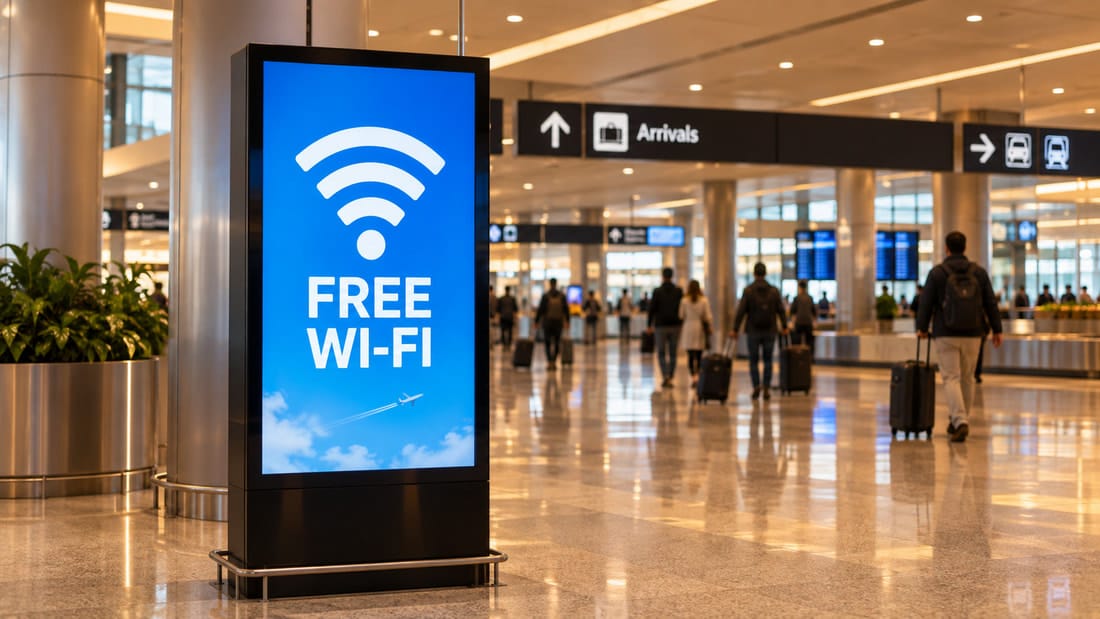
Many of us have browsed for gifts while waiting at an airport, sitting in a coffee shop or taking a break between errands. Stephanie’s advice is to save the browsing for those moments and wait until you’re home to complete the purchase. That can help you avoid entering payment details or signing in to sensitive accounts while connected to unfamiliar public Wi-Fi.
If you need to use Wi-Fi at a hotel, airport or other public place, ask staff to confirm the network name before connecting. A network name can be copied, so don’t assume that one that looks familiar is the right one. For a sensitive transaction, waiting until you have a connection you trust is a simple precaution.
Stephanie also encouraged people to do as much as they can to secure their accounts. Use strong, unique passwords, and consider a password manager to create and keep track of them. She suggested changing passwords every quarter on important websites, including email and banking accounts. That means reviewing them four times a year, rather than waiting until you suspect something is wrong. Avoid reusing a password across accounts; if one service is compromised, reused credentials could put other accounts at risk.
Where available, use passkeys and turn on two-factor authentication, also called multifactor authentication. Passkeys can provide another way to sign in securely, while two-factor authentication adds a step to help confirm that it’s really you. Account alerts can also help you notice activity you don’t recognize. Before the holiday rush, update your phone, computer, browser and shopping apps so they have the latest security fixes.
Good online habits are essential, and protection working through your home network can add another layer. Xfinity WiFi Shield includes CyberSecure, which monitors activity on devices connected through an eligible Xfinity Gateway. It helps block risky websites, phishing attempts, malware and other online threats. If certain security risks are detected, customers can receive an alert in the Xfinity app and review the activity and suggested next steps. Availability depends on a customer’s Xfinity service and Gateway equipment.

Customers can manage CyberSecure and review its dashboard through the Xfinity app. Think of it as another layer of protection for connected devices at home, alongside the everyday steps Stephanie recommends. It does not guarantee that every threat will be stopped, and it does not replace checking links, securing accounts or being thoughtful about what information you share. Families can also use the holiday break to talk with children about suspicious links, gaming and social media scams, and what to do if an online interaction feels uncomfortable.
Stephanie also stressed that people should not beat themselves up if they have been hacked before. It can happen, and shame won’t help you recover or protect your accounts going forward. The useful next step is to focus on what you can do now: change affected passwords, use unique passwords for important accounts, turn on passkeys or two-factor authentication where available, and review account activity. A password manager can make those habits easier to maintain. If you’re unsure what was accessed, contact the company or financial institution directly using a verified phone number or website.

The holiday season should still be a time to enjoy finding gifts and sharing them with the people you love. Stephanie’s advice is not to be afraid of online shopping, but to be mindful and take reasonable steps to protect your identity and your family’s information. Check that you’re on the right website, shop on a connection you trust and use the security tools available to you. A little extra care can help you shop with greater confidence and enjoy the season.